
The Complete Excel Course with AI Integration
Excel with AI course: Copilot, ChatGPT and Claude
For people who want AI to do real work in Excel without trusting it blindly. The Complete Excel Course with AI Integration shows Copilot, ChatGPT and Claude on the same kinds of task: summaries, PivotTables, charts, formulas, cleaning data and finding outliers, and it checks the output at every step. This page lists the AI section and the later lessons in which the projects use AI again.
Taught by Sagnik Bhattacharya and Virginia Thorn


What you will be able to do
At work, you will be able to:
- Prepare a table so that Copilot can read it, and write prompts that get a usable answer with the PRO prompt pattern.
- Have Copilot build a summary, a PivotTable, a chart or a formula column from a prompt, and verify it.
- Find outliers and clean messy data with AI prompts alongside Excel's own functions.
- Use the COPILOT function as a formula inside a cell.
- Plan an analysis with ChatGPT before you build it, and analyse data and build a spreadsheet with Claude in Excel.
- Run a short QA checklist on whatever the AI returns, so that a wrong answer never reaches a report.
Projects
What you will build.
The course has 14 projects. These three matter most here.
-
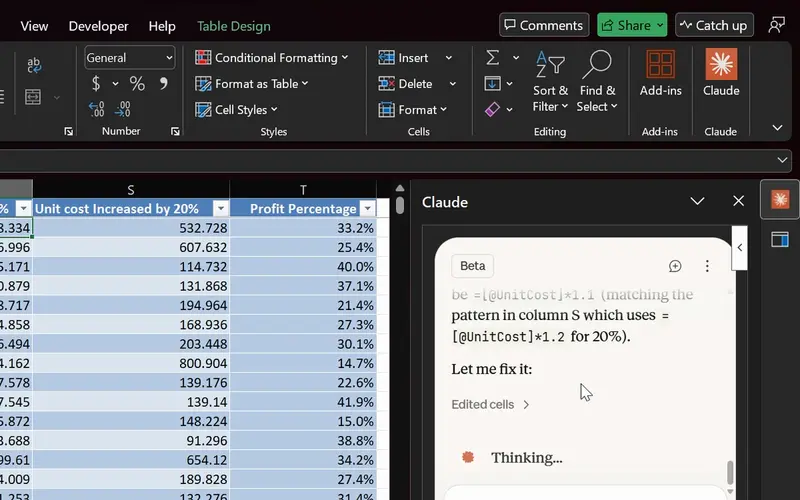
Project 14
Agentic AI in Excel
AI finds and fixes the formula; you check it before it counts.
The AI section itself: Copilot, ChatGPT and Claude on real tasks, the COPILOT function, Copilot guided help, Microsoft Stride and Claude in Excel.
-
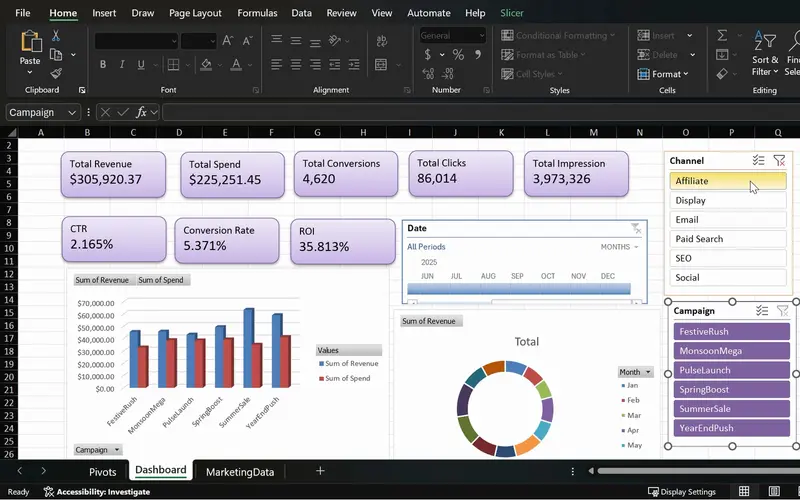
Project 08
MarketPulse
One screen that shows which campaigns earn back their spend.
AI used inside a project: ChatGPT plans the KPIs, Copilot generates PivotTables, and you verify them.
-
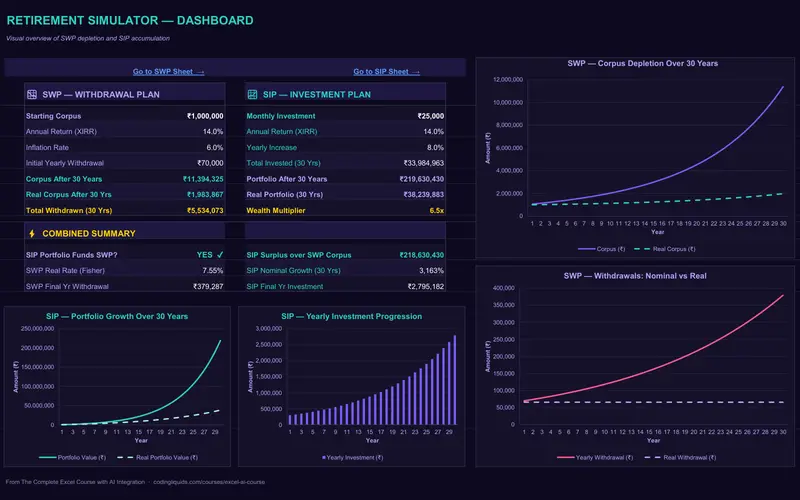
Project 10
WealthFlow
A retirement plan that shows how long the money lasts.
Claude builds a dashboard on a model you made yourself, so you can judge its work.
Lessons
The lessons that matter, in course order.
The Complete Excel Course with AI Integration has 186 lessons. This page picks out 22 of them, 1 h 40 min of video. Each lesson keeps its number in the course.
Where to start
Lesson 88 AI in Excel
Begin at Lesson 88. The AI lessons assume that you know tables, formulas, charts and PivotTables, because checking an AI answer means knowing what a right one looks like. If those are new to you, begin at Lesson 1; the course reaches the AI section after them.
22 of 186 lessons · 1 h 40 min
10 Boosting productivity with AI in Excel (Copilot, ChatGPT and Claude) The whole AI section: what Copilot, ChatGPT and Claude can and cannot do, preparing data, prompts, summaries, PivotTables, charts, conditional formatting, formulas, outliers, cleaning, a mini dashboard, the QA checklist, ChatGPT as a planner, the COPILOT function, Copilot guided help, Microsoft Stride and Claude in Excel.
- 88 Start here AI in Excel What Copilot, ChatGPT and Claude can and cannot do 8 min
- 89 Prepare data for Copilot in Excel Tables, headers and clean structure 6 min
- 90 Copilot executive summary in Excel Summarise a dataset in seconds with AI 5 min
- 91 Copilot prompts for Excel Weak vs strong prompts and the PRO prompt pattern 5 min
- 92 PivotTables with Copilot Build an Excel PivotTable from a prompt 5 min
- 93 Charts with Copilot and ChatGPT Create and choose the right Excel chart 6 min
- 94 Conditional formatting with Copilot and ChatGPT Highlight problems in Excel 4 min
- 95 Excel formulas with AI Copilot and ChatGPT write formula columns you verify 6 min
- 96 Find outliers with Copilot in Excel Discounts, negative profit, suspect rows 7 min
- 97 Clean messy data with Copilot in Excel AI prompts plus Excel functions 4 min
- 98 Mini dashboard with Copilot in Excel KPIs, charts and slicers on one page 3 min
- 99 Check AI output in Excel A quick QA checklist for Copilot results 2 min
- 100 ChatGPT as your analysis planner Plan an Excel analysis before you build it 3 min
- 101 COPILOT function in Excel Use Copilot as a formula inside your cells 4 min
- 102 Copilot guided help in Excel Step-by-step AI help inside Excel 3 min
- 103 Microsoft Stride for Excel The Office Agent that builds workbooks for you 4 min
- 104 Claude in Excel Analyse data and build spreadsheets with Claude 7 min
11 MarketPulse campaign intelligence dashboard AI in a real project: Copilot helps check the marketing data and draft a KPI plan, and ChatGPT plans the KPIs and the PivotTable strategy for the MarketPulse dashboard.
- 106 Clean and check marketing data in Excel Remove duplicates, Copilot KPI plan 4 min
- 107 Plan a marketing dashboard with ChatGPT KPIs and the PivotTable strategy 4 min
11 MarketPulse campaign intelligence dashboard Copilot generates the marketing PivotTables, and you verify them.
- 110 PivotTables with Copilot Generate and verify marketing pivots in Excel 6 min
13 WealthFlow investment and retirement simulator Claude builds the dashboard of the WealthFlow retirement simulator.
- 135 Retirement simulator in Excel Claude builds the WealthFlow dashboard 5 min
16 Power Automate: weekly sales report automation Copilot Vision gives AI-guided help while you build a Power Automate flow.
- 177 Copilot Vision with Power Automate AI-guided help while you build a flow 2 min
Questions
Asked before starting.
What can Copilot, ChatGPT and Claude do in Excel?
In The Complete Excel Course with AI Integration from Coding Liquids they summarise a dataset, build PivotTables, charts and formula columns from a prompt, highlight problems with conditional formatting, find outliers such as odd discounts and negative profit, clean messy data and lay out a mini dashboard, and Claude analyses data and builds a spreadsheet inside Excel. The section opens with what they cannot do. This page lists those lessons: 22 lessons, 1 hour 40 minutes.
Can AI do my Excel work if I do not know Excel?
Not safely, and the course is built on that. In The Complete Excel Course with AI Integration AI output is checked at every step: formula columns are verified, generated PivotTables are verified, and a QA checklist is applied to the result. The AI lessons come after tables, formulas, charts and PivotTables for that reason.
Is the AI section enough on its own?
The AI lessons are 1 hour 40 minutes of the 16 hours in The Complete Excel Course with AI Integration, and they lean on the rest: you prepare data as a table, read the formulas the AI writes and check the PivotTables it builds. If you already have those skills you can start at the AI section; if not, the course teaches them first.
Which AI tools does the course show?
Copilot in Excel, with the COPILOT function and Copilot guided help; Microsoft Stride, the agent that builds workbooks; ChatGPT, used for planning and for formulas; and Claude in Excel. Copilot Vision also appears in the Power Automate section of The Complete Excel Course with AI Integration.
Will the AI lessons go out of date?
The tools change quickly, so The Complete Excel Course with AI Integration teaches the habits that outlast any one version of them: a clean table to work from, a clear prompt and a check of every answer. Future updates to the course are included with lifetime access.
Excel with AI
See the whole course.
The Complete Excel Course with AI Integration: 16 hours of video in 186 lessons, built around 14 projects, with lifetime access, a Certificate of Completion and a 14-day money-back guarantee.
The same course